
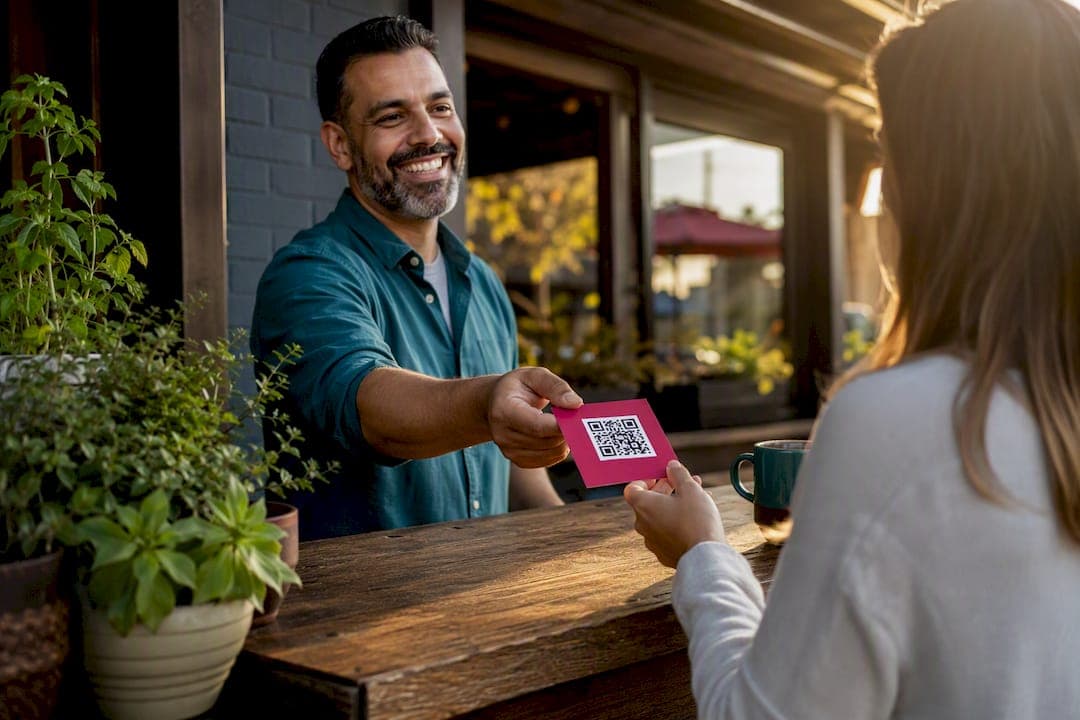
To get local reviews in Windsor, claim and verify your Google Business Profile, create the official Google review link or QR code, and ask every satisfied customer at point-of-service plus one follow-up message. That three-step combination drives most of the review growth small Windsor businesses see, and it starts working within days. Google's own guidance confirms that reviews tied to a verified profile appear on Maps and Search, but the customer must be signed into a Google Account to post one.
Here's your 24 to 48 hour starting checklist:
- Verify your Business Profile is claimed and active (check for a pending video verification request).
- Generate your Google review link and QR code from the "Get more reviews" panel.
- Ask three to five happy customers today, in person, and send one follow-up text or email within 72 hours.
- Reply to any waiting reviews using a short, factual template.
Pro Tip: Set aside 20 minutes tomorrow morning to reply to every unanswered review before you send a single new request. Prospective customers read replies before they read star counts.
Key Takeaways
Getting local reviews in Windsor comes down to a verified Google Business Profile, a standardized review link, consistent point-of-service asks, and prompt, policy-safe replies.
| Point | Details |
|---|---|
| Verify first | A claimed and verified Google Business Profile is required before reviews display correctly. |
| Standardize your link | Use one Google review link or QR code everywhere to avoid confusion and duplicate profiles. |
| Ask twice, once in person | Combine a point-of-service ask with one follow-up email or SMS within 72 hours for best conversion. |
| Never incentivize reviews | Offering discounts or gifts for reviews violates Google policy and risks profile suspension. |
| List on theHive Windsor too | Thehivewindsor adds a second, ad-free discovery channel ranked by genuine community reviews. |
Table of Contents
- Scripts and Channels for Asking Windsor Customers for Reviews
- Setting Up Your Google Review Link and QR Code the Right Way
- How Should You Reply to Google Reviews in Windsor?
- Where to Ask and How to Track What's Working
- Protecting Your Google Business Profile From Suspension
- How theHive Windsor Adds to Your Google Review Strategy
- A Windsor Business Owner's Editorial Take on Review Strategy
- Get Discovered in Windsor Without Paying for Ad Placement
- Official Resources for Windsor Review Management
- Sources
Scripts and Channels for Asking Windsor Customers for Reviews
Staff don't need creativity here. They need a script they can say the same way every time.
In person (2 to 3 lines): "Glad that worked out for you. If you have 30 seconds, a Google review really helps a local shop like ours. I can text you the link right now."
Receipt or table card: "Enjoyed your visit? Scan below to leave a quick Google review. Takes under a minute." Place the QR code with at least a 1 inch print size so phone cameras grab it without fumbling.
Follow-up email or SMS, sent 24 to 72 hours after service:
- Thank them by name and reference what they bought or booked.
- Include the direct review link, not a homepage link.
- Keep it under three sentences. No pressure language.
Tracking template (a simple spreadsheet row per customer): date, customer name, channel used, staff member who asked, and whether a review appeared within a week. This ledger is how you spot which channel actually converts, an approach Google's own setup guidance points toward when it recommends consistent, small touchpoints over one-off campaigns.
Windsor cafes, contractors, and salons that run this same five-line script across every shift tend to see steadier review flow than ones that ask only when they remember to.
Setting Up Your Google Review Link and QR Code the Right Way
The path is buried inside your Business Profile dashboard, but it only takes a few clicks once you know where to look.
- Open your Google Business Profile and go to "Read reviews."
- Select "Get more reviews."
- Copy the review link, or download the QR code image directly.
- Save both somewhere your whole team can access, not just your own phone.
Google explicitly designed this feature to be copied and shared across receipts, thank-you emails, and in-store displays. Using one standardized link everywhere prevents the mess of customers landing on duplicate listings or old links that no longer work, which happens more often in Windsor than owners realize once a business has moved locations or rebranded.
Pro Tip: Run the QR code through a free scanner test on both iPhone and Android before printing 500 table cards. A code sized too small or printed on glossy stock fails more often than you'd expect.

Add the link to your email signature and your online booking confirmation page too. Digital placements cost nothing and catch customers while the experience is still fresh.
How Should You Reply to Google Reviews in Windsor?
Reply to reviews the way you'd talk to a customer standing at your counter: direct, warm, and specific.

Positive review reply: "Thanks for stopping in, [name]. Glad the [specific service/item] worked out. See you next time."
Negative review reply: "Sorry your visit didn't go the way it should have. We'd like to make this right. Please reach out to us directly at [phone/email] so we can sort it out."
- Never share private customer details or order specifics in a public reply.
- Never argue, even if the review is unfair. Stay factual and brief.
- If a review clearly violates Google's content policies (fake, off-topic, or abusive), flag it through your Business Profile rather than fighting it in the comments.
Google notes that replies go through a review process and can take anywhere from a few minutes to 30 days to actually appear. Plan on a consistent weekly cadence for checking and replying rather than expecting instant turnaround, and don't panic if a reply you posted this morning isn't visible by lunch.
Where to Ask and How to Track What's Working
Point-of-service asks convert better than almost anything else, but pairing that ask with exactly one automated follow-up is what turns occasional reviews into a steady stream.
Physical placements:
- Receipts and table tents
- Counter cards near the register or checkout
- Business cards with the QR code printed on the back
Digital placements:
- Booking confirmation emails
- Email signature footer
- The closing line of a chat or text conversation
To measure results:
- Log every ask in your tracking sheet by channel.
- Calculate conversion rate per channel weekly (reviews received divided by asks made).
- Test one variable at a time, wording, timing, or placement, before changing another.
A receipt-based ask typically converts at a low single-digit percentage. Direct, in-person asks followed by an immediate text usually land higher than that, since the customer's positive experience is still top of mind.
Protecting Your Google Business Profile From Suspension
Google suspends profiles for violations far more often than most Windsor owners expect, and most of it is preventable.
- Never offer discounts, free items, or gifts in exchange for a review. This directly violates Google's policies and risks account suspension.
- Keep your address, service area, and phone number accurate and under your business's actual control.
- Avoid keyword-stuffed business names ("Windsor's Best Plumber Emergency 24/7") even if a competitor does it.
- If you discover a duplicate listing, claim and merge it instead of splitting customer reviews across two profiles.
Google's own guidelines on representing your business flag inaccurate listing content as one of the most common suspension triggers. Set a recurring monthly reminder to check your hours, photos, categories, and phone number, a 15 minute task that a Windsor-Essex setup guide pegs as roughly the ongoing maintenance load once your profile is verified.
How theHive Windsor Adds to Your Google Review Strategy
Google reviews build your search visibility. TheHive Windsor builds something Google can't: a Windsor-Essex community actively looking for businesses like yours, ranked by genuine engagement instead of ad spend.
- No pay-to-rank listings, visibility comes from real reviews and community activity, not budget.
- Businesses can list events, connect with local freelancers and creators, and get discovered by residents browsing by neighborhood or zone.
- It works alongside your Google profile rather than replacing it, giving you a second discovery channel with a genuinely local audience.
A 40 year old contractor and a weekend-hobbyist candle maker end up on the same map, in the same directory, judged by the same thing: what real customers actually say about them.
Businesses that keep both channels active, a standard local visibility approach for Windsor-Essex, tend to show up in more places a local customer might be searching, whether that's a Google Maps pin or a browse through theHive's community listings.
A Windsor Business Owner's Editorial Take on Review Strategy
Most advice about getting reviews treats it like a marketing campaign. It isn't. It's a staffing habit. The businesses in Windsor that build steady review volume aren't running clever promotions, they've trained every employee to ask the same simple question at the same moment, every single time.
Where conventional advice falls short is the obsession with review volume over review velocity. A business with 40 reviews trickling in steadily over two years looks less trustworthy to a new customer than one with 15 reviews, all recent, all specific. Google's search behavior rewards recency. So does human judgment. Chasing a big number misses that.
If you take one thing from this article, prioritize the follow-up message over the in-person ask. Most owners nail the ask and forget the follow-up entirely, and that's the touchpoint that actually converts customers who meant to leave a review but got distracted by their own life five minutes after leaving your shop.
— randy
Get Discovered in Windsor Without Paying for Ad Placement
Thehivewindsor is the alternative to paid ad placement for Windsor businesses trying to build local trust. Where Google rewards profiles with steady review activity, Thehivewindsor rewards businesses the same way, through real community engagement and genuine reviews, not a bigger monthly ad budget.
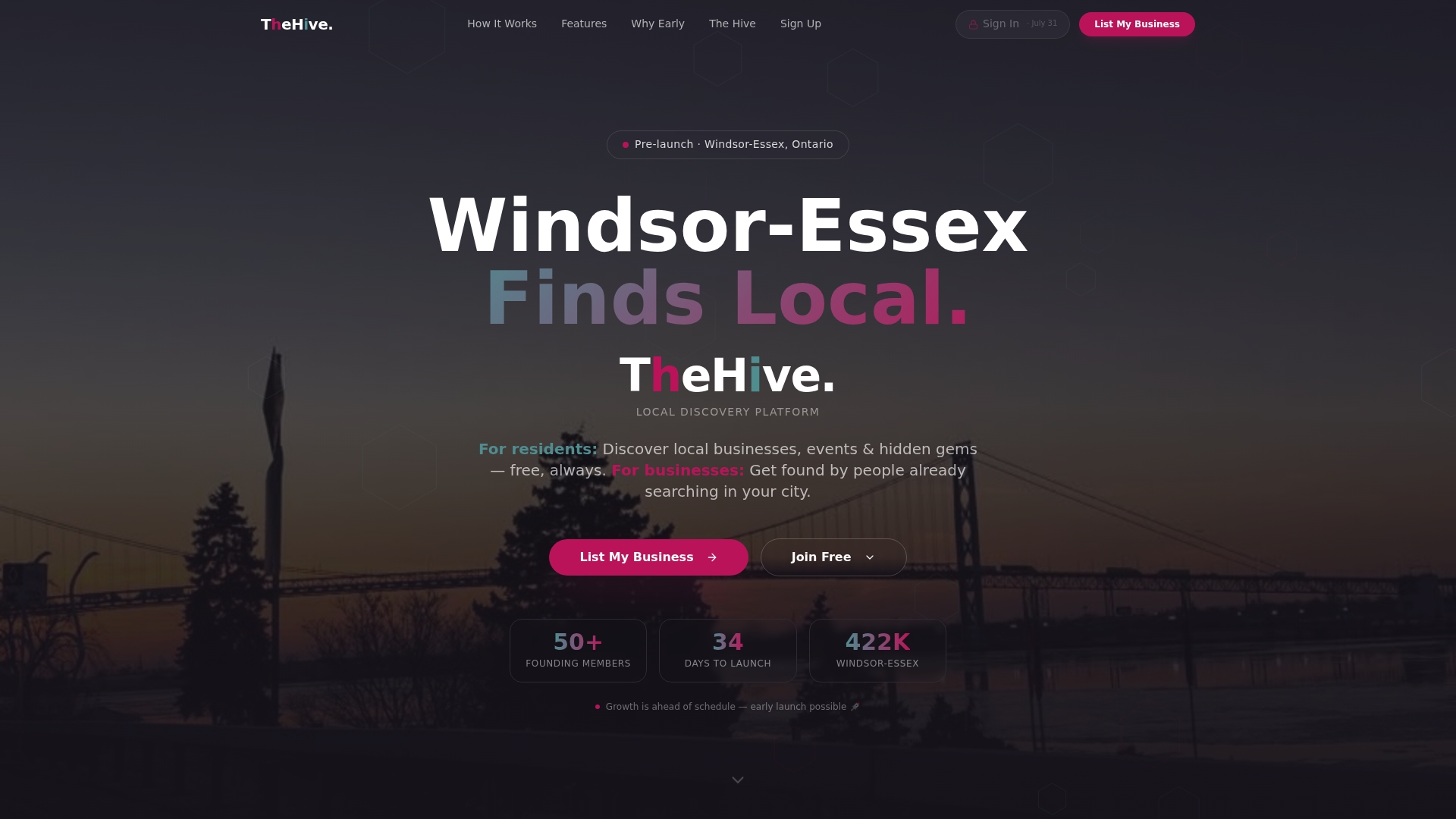
If you've just claimed your Google Business Profile and started collecting reviews using the scripts above, listing on Thehivewindsor gives those same reviews a second place to work for you. Freelancers, new startups, and 40-year-old family businesses all get the same visibility rules here: no pay-to-rank tiers, no bidding against a competitor with a bigger marketing budget. You can claim your Windsor listing now and start building presence across the same community actively searching for businesses like yours.
Official Resources for Windsor Review Management
- Tips to get more reviews from Google Business Profile Help
- Create a review link or QR code directly from your profile
- Manage customer reviews and reply guidelines
- Google Business Profile setup guide for Windsor-Essex
- Start your free listing on theHive Windsor
Sources
- Tips to get more reviews - Google Business Profile Help
- Create a Google link or QR code to request reviews - Google Business Profile Help
- Manage customer reviews - Google Business Profile Help
- Google Business Profile setup: get found, avoid suspension | BBN Labs